
Klaviyo
Dermaself saves the contact to the list you choose and sends a Dermaself Analysis Completed event. Dermaself generates the recap HTML; in Klaviyo you create a flow on that event and drop the content into the message.
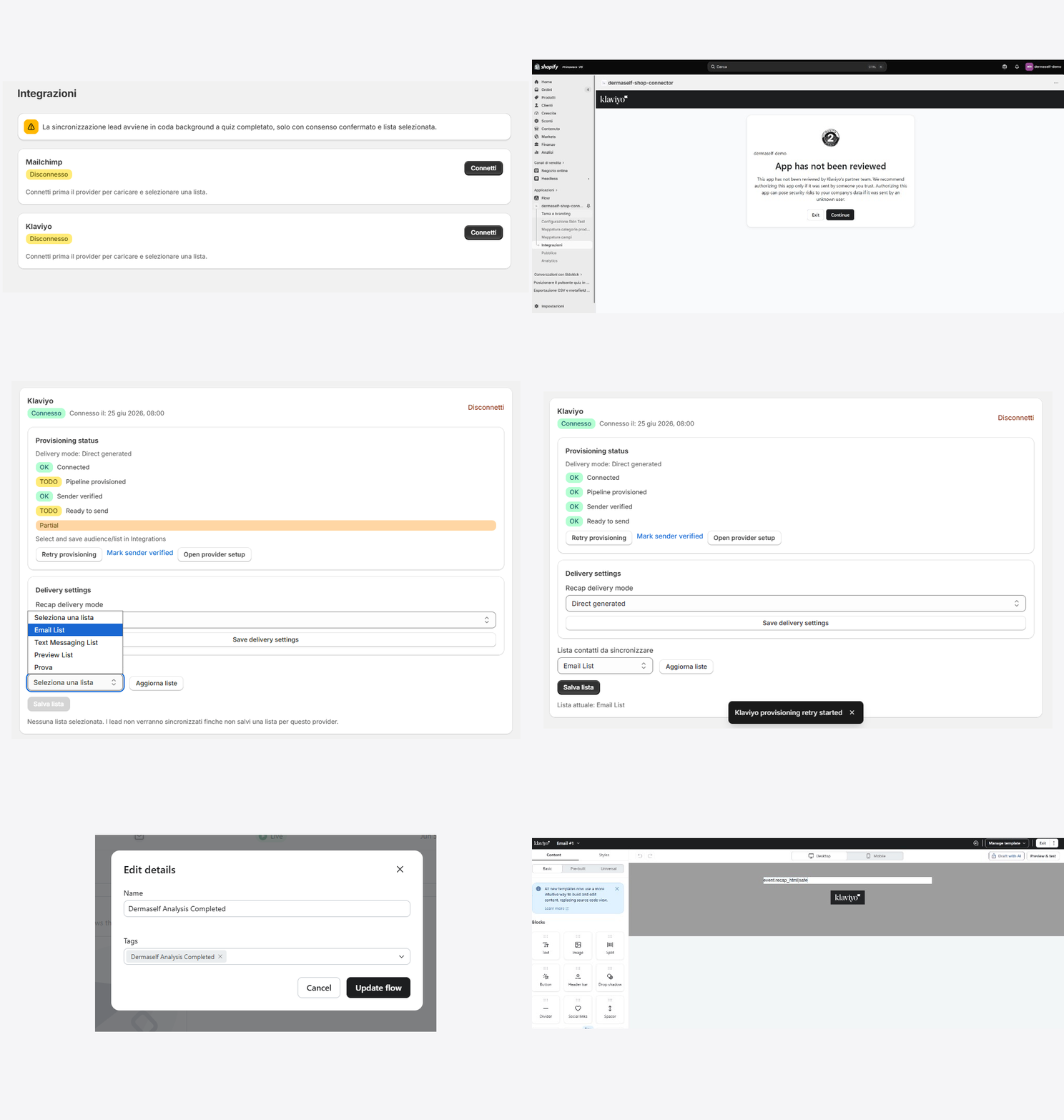
Prerequisites
- Klaviyo account with Email and Flows
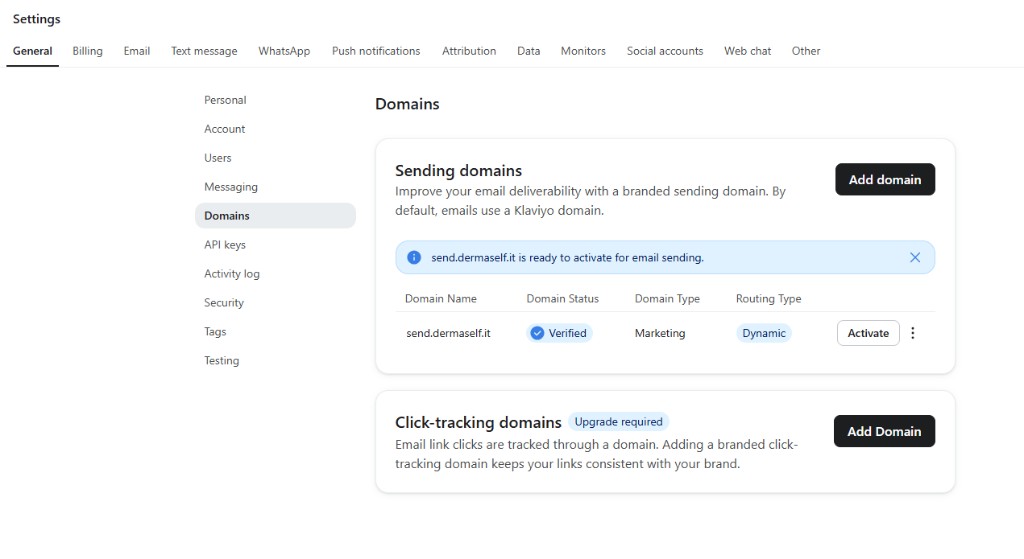
- Verified sending domain (SPF/DKIM in your domain DNS)
- Contact step + marketing consent in the quiz
1. Connect from the app
- Dermaself → Integrations → Klaviyo → Connect.
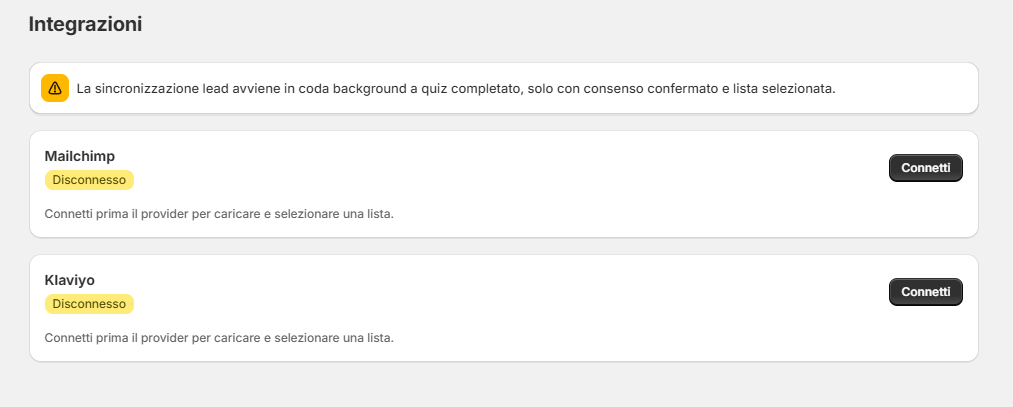
- If Klaviyo shows App has not been reviewed, that is expected: click Continue.
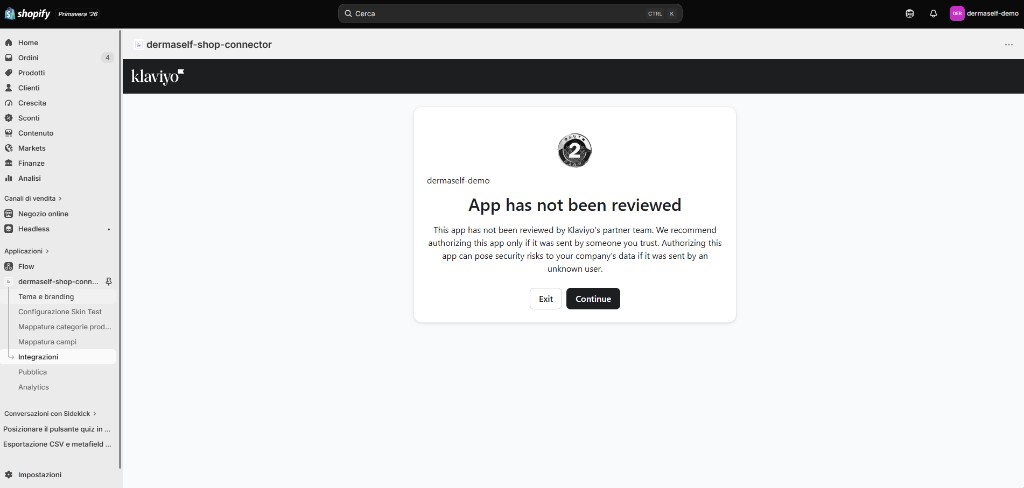
- Review scopes and click Allow.
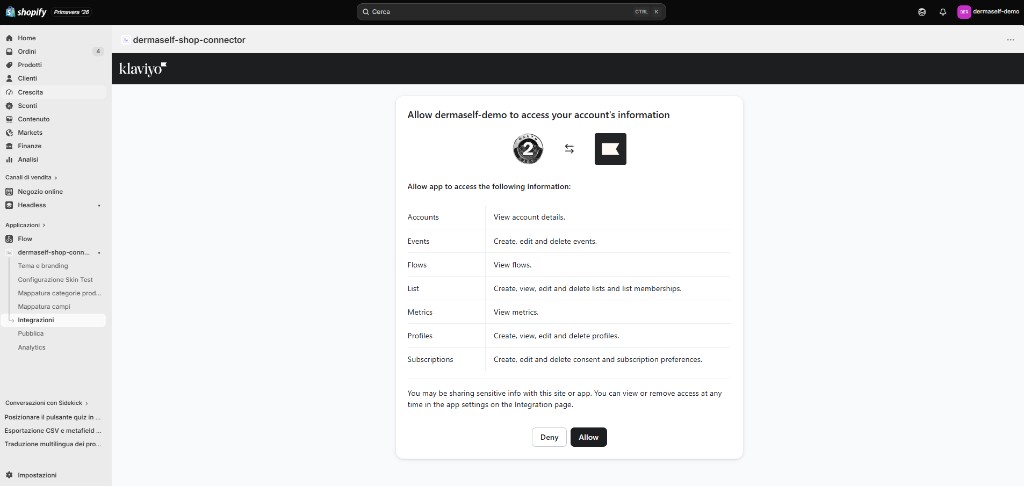
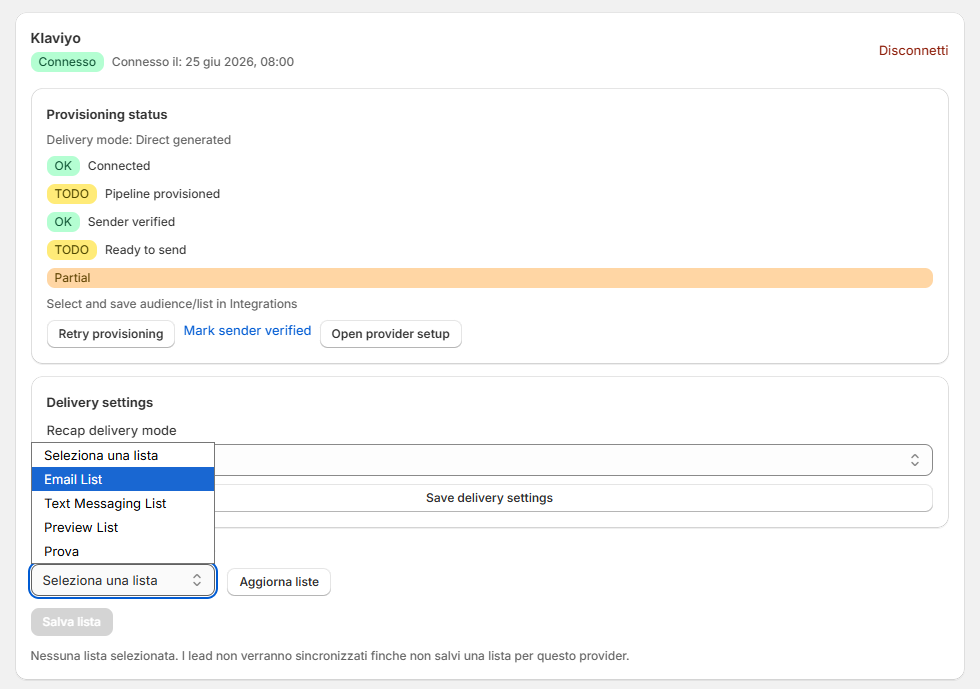
2. Pick the list
- Refresh lists.
- Open Select a list and pick the audience (for example Email List).
- Save list. Without this step, leads do not sync.
3. Delivery and Ready to send
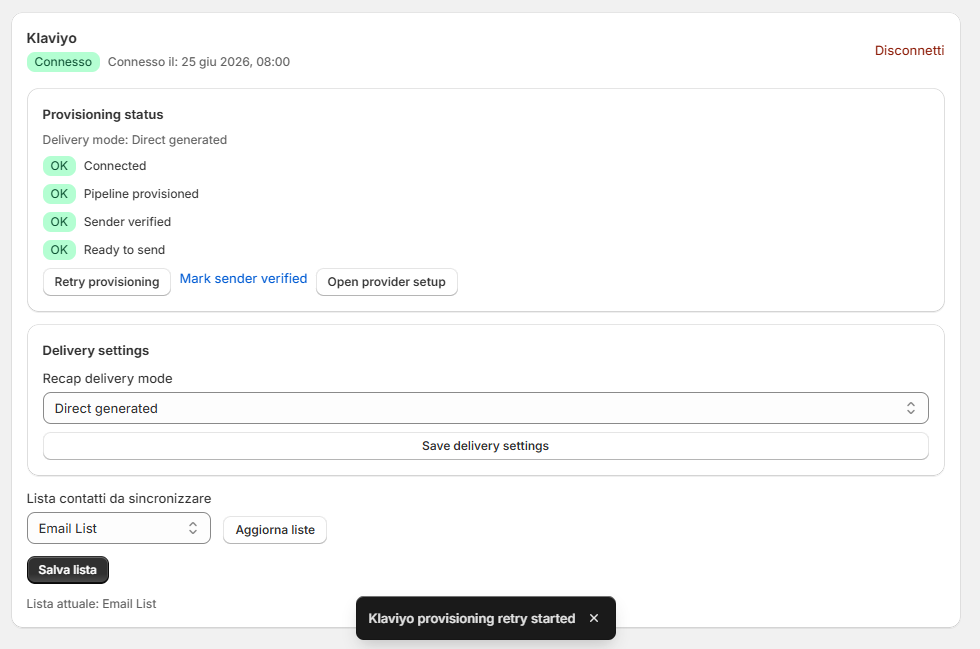
Fill sender and domain. When SPF/DKIM pass, click Mark sender verified. All four indicators must turn green: Connected, Pipeline provisioned, Sender verified, Ready to send.
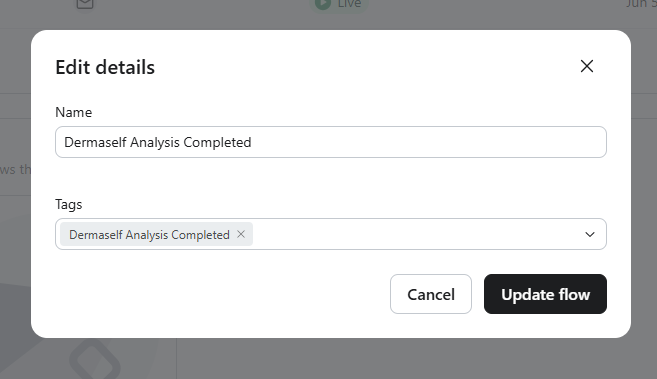
4. Flow in Klaviyo
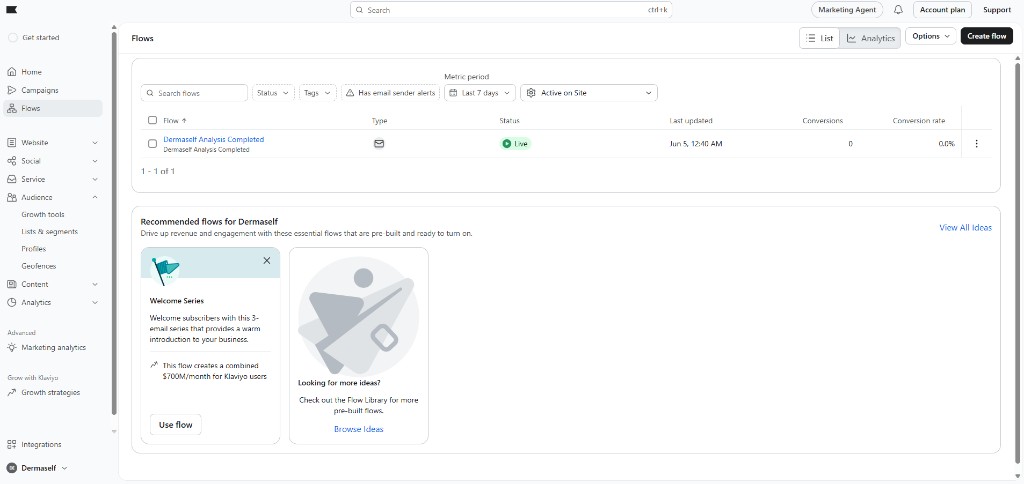
- In Klaviyo → Flows → Create flow.
- Trigger: Dermaself Analysis Completed metric.
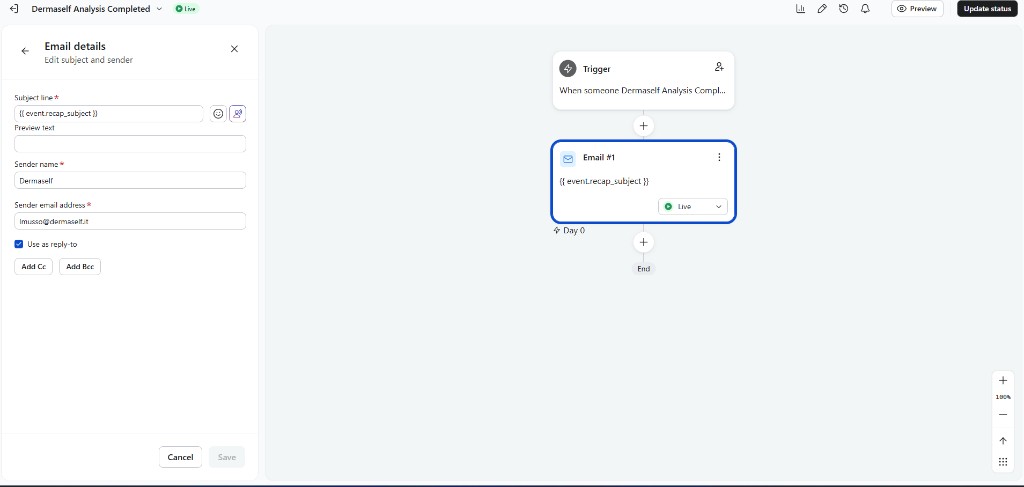
- In the flow email, set subject and sender as you like.
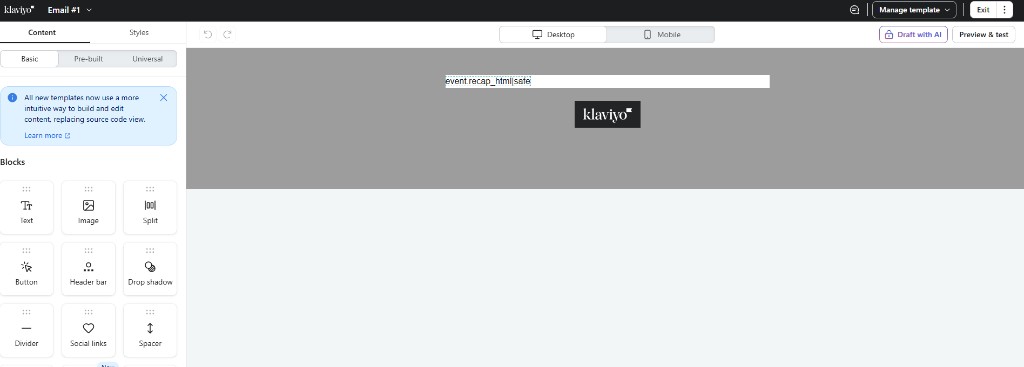
- In the body, HTML / event wrapper mode: paste the recap content (placeholder such as
event.recap_html|safein the editor).
5. Test
Run a storefront Skin Test with your email and consent checked. Email language follows the quiz locale. The logo comes from Theme & Branding (PNG/JPG/WebP).
The Klaviyo profile receives skin scores, primary need, recommended products, and session tags.