
Shopper experience
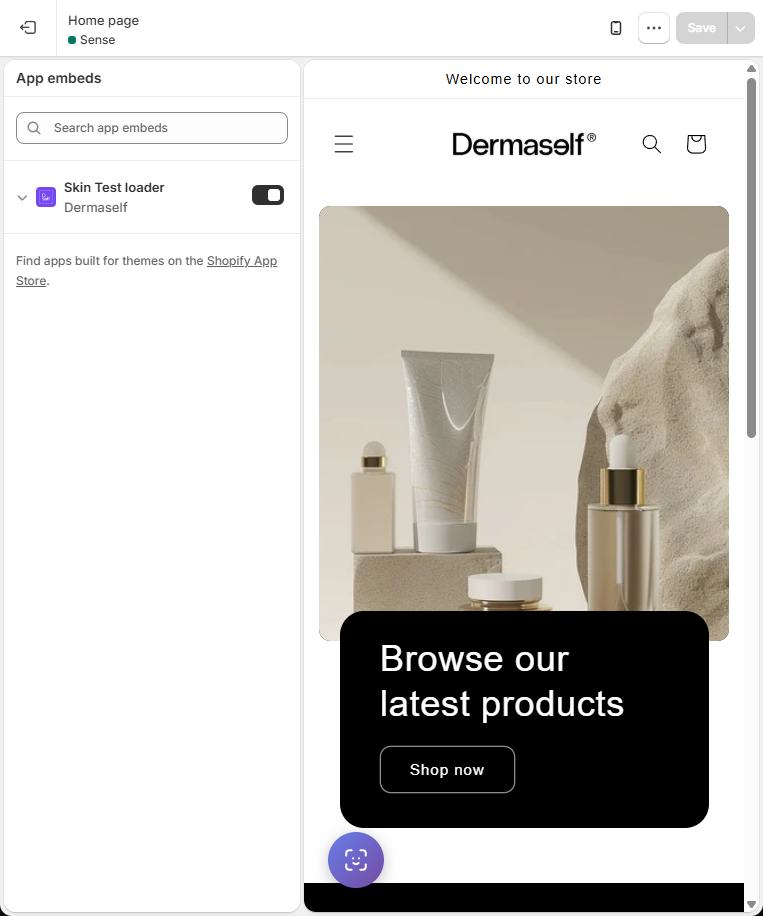
The Skin Test opens as an overlay on your theme (not an external Dermaself page). The purple bottom-left button comes from the Skin Test loader embed.
Flow, step by step
- Consent — the shopper accepts data processing (and marketing, if you ask for it).
- Quiz — the questions you set in Skin Test Setup.
- Selfie — camera or upload. Glasses off, hair back, even lighting.
- Analysis — AI estimates skin conditions and shows overlays/results.
- Recommendations — products from the mapped catalog, as a routine.
- PDF / email — if enabled, they can download the report or get a recap (Klaviyo or Mailchimp, with consent).
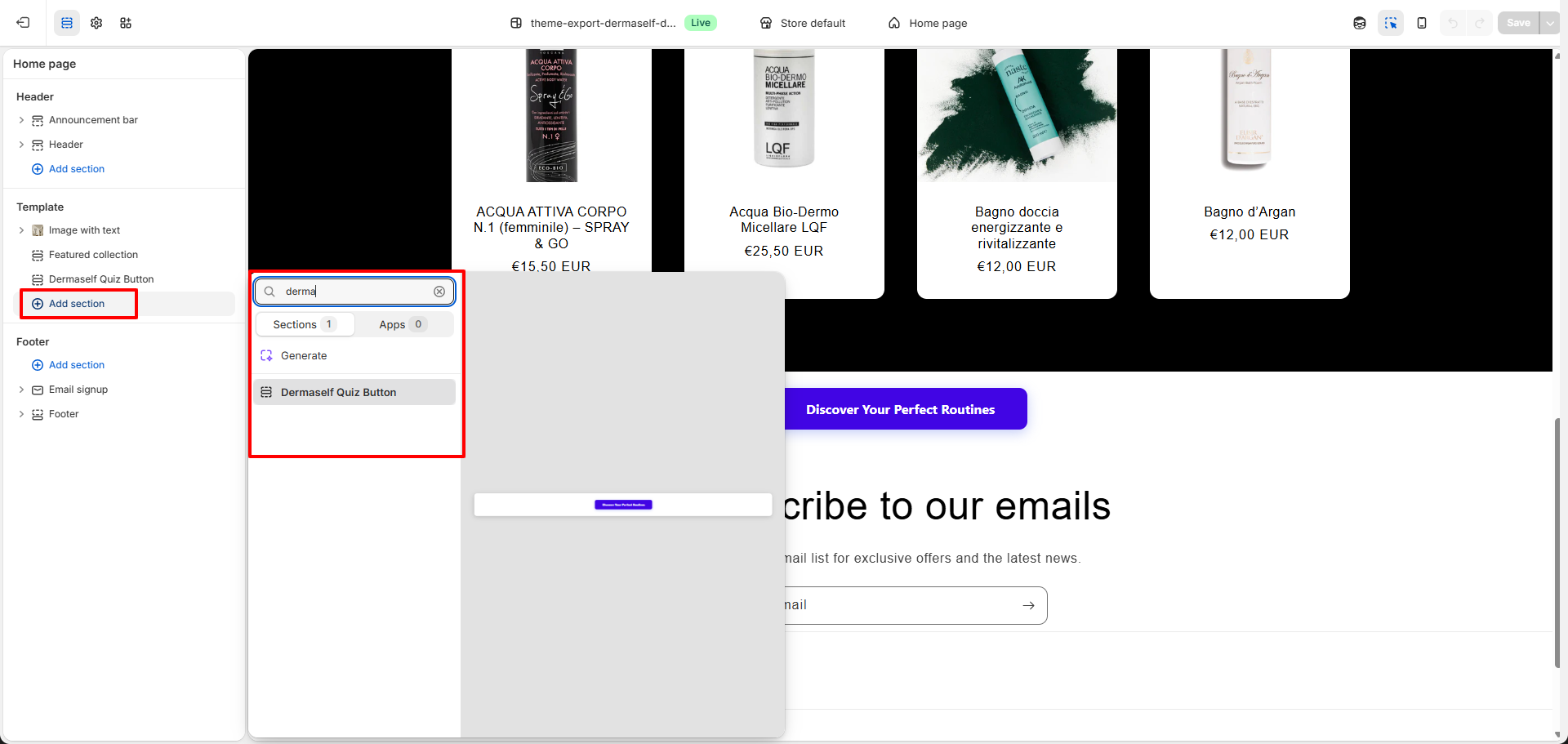
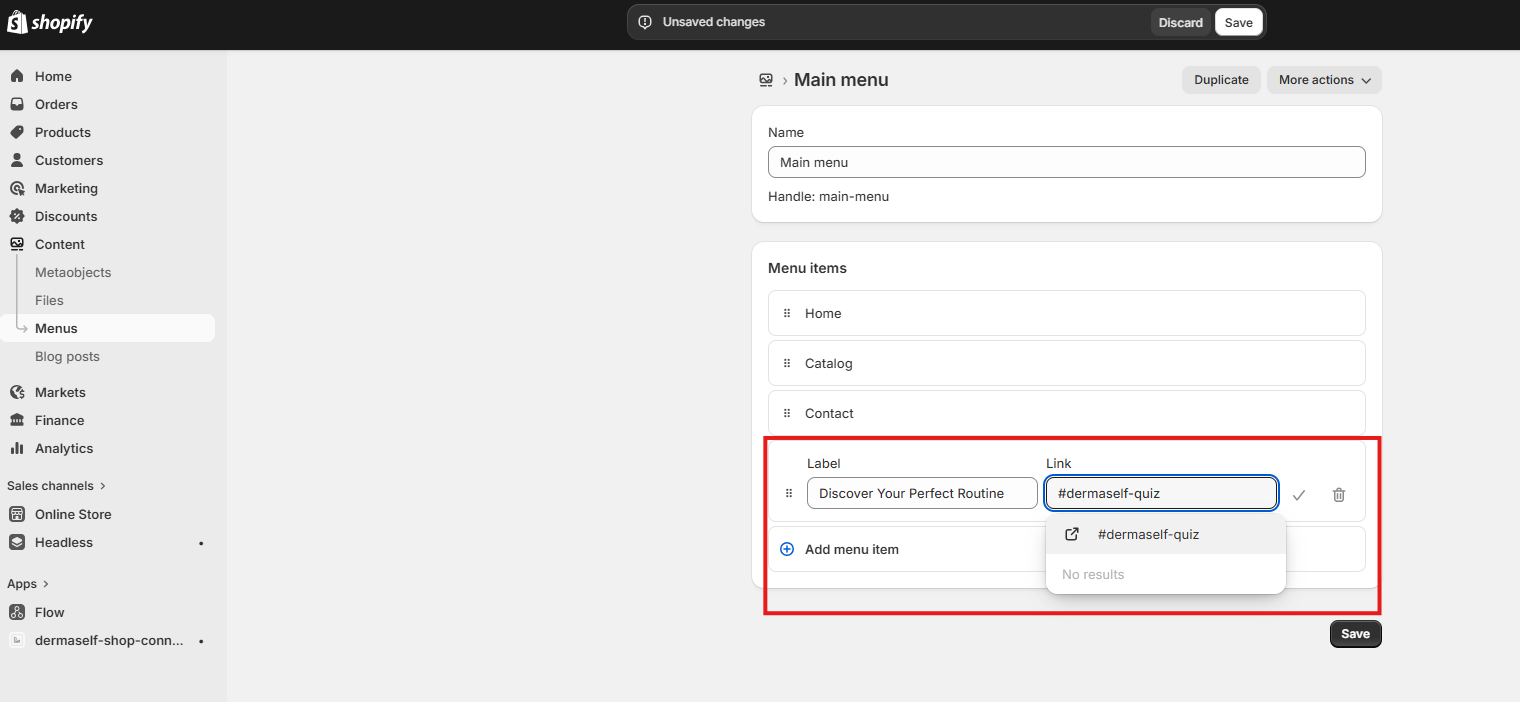
If you added an in-page block or a #dermaself-quiz menu item, the same overlay opens from there.
What the analysis uses
- Quiz answers
- Face photo
- Composition (INCI) of synced products
Shoppers do not scan a product label. This is not a medical diagnosis.
Branding
Free, Start, and Plus show “Powered by Dermaself”. Growth can hide branding. See Plans and usage.