
Mailchimp
Dermaself saves the contact to your audience and, in the recommended mode, generates and sends the recap via Mailchimp Transactional (Mandrill). Mandrill is separate from Mailchimp Marketing: without it, direct send does not run.
Alternative: Flow/tag fallback — Dermaself tags the contact (dermaself_analysis_completed) and you build the automation.
Prerequisites
- Mailchimp Marketing
- Mailchimp Transactional (for direct send)
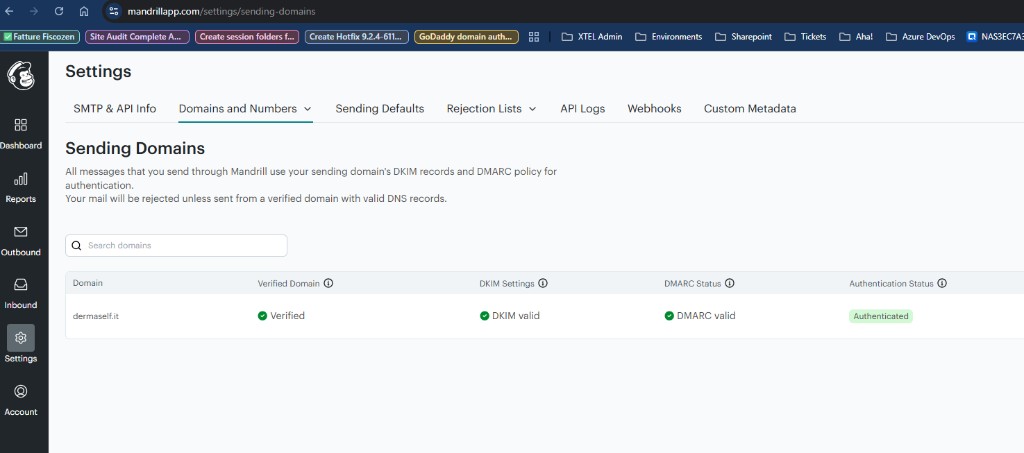
- SPF/DKIM on the sending domain
- Contact step + marketing consent
1. Connect
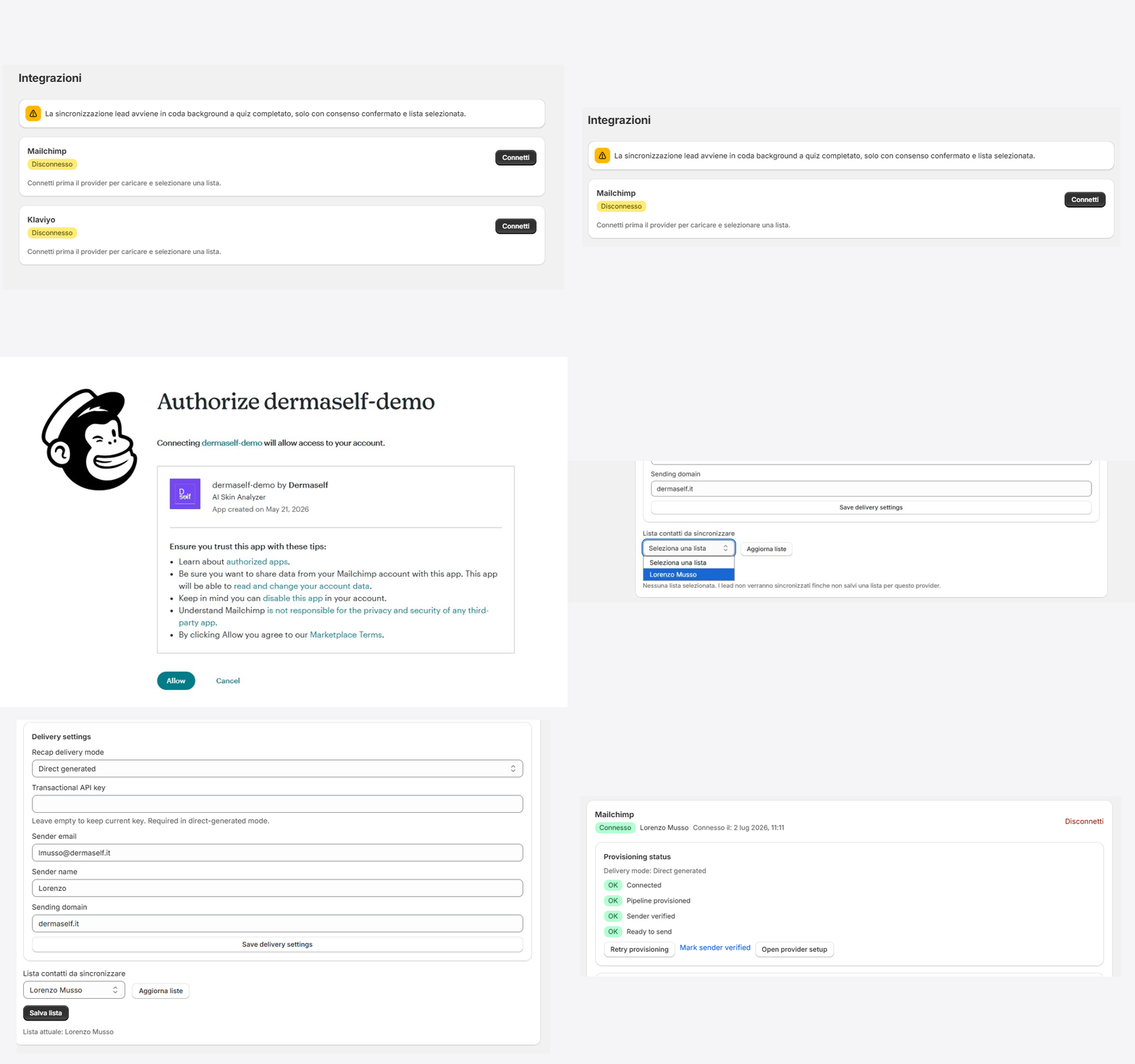
- Integrations → Mailchimp → Connect.
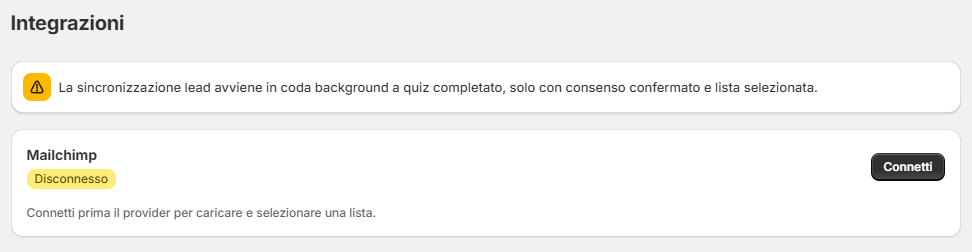
- Sign in to Mailchimp if asked.
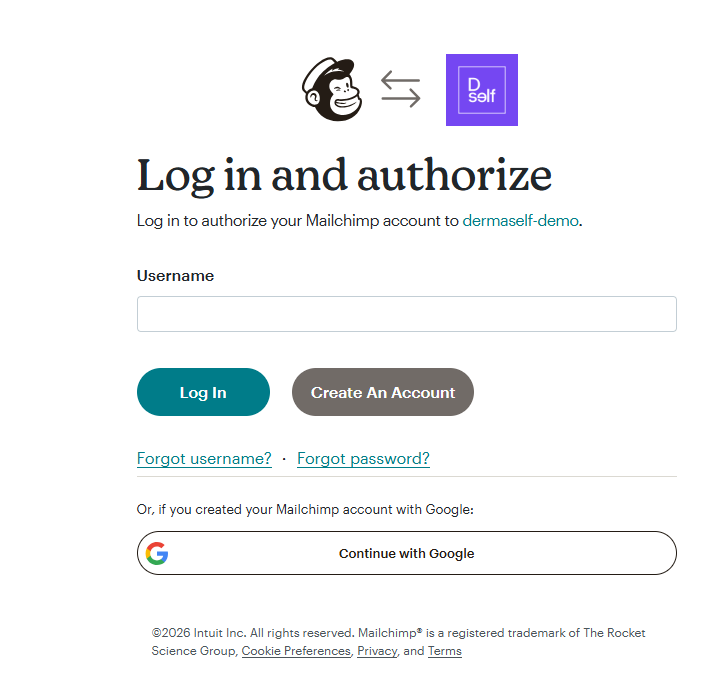
- Allow.
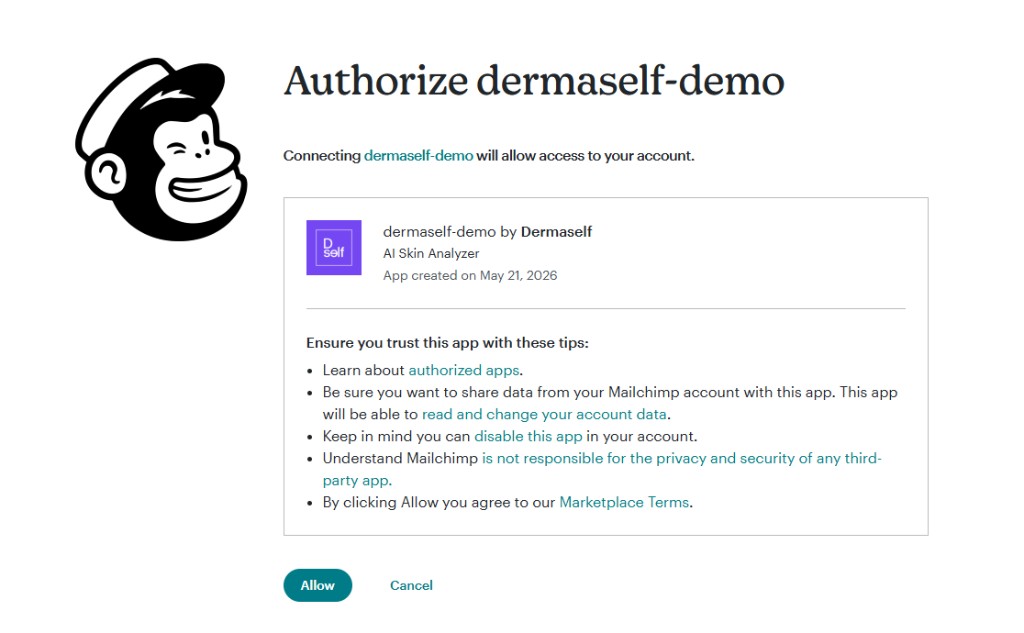
2. Audience
- Refresh lists.
- Pick the audience, Save list.
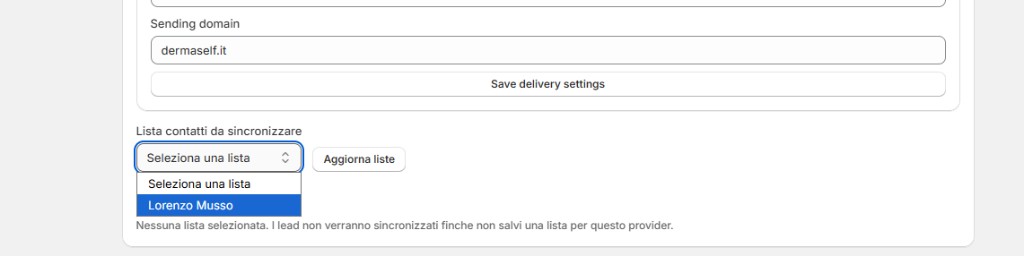
With no saved list, leads do not sync.
3. Delivery settings (direct send)
- Recap delivery mode: Direct generated.
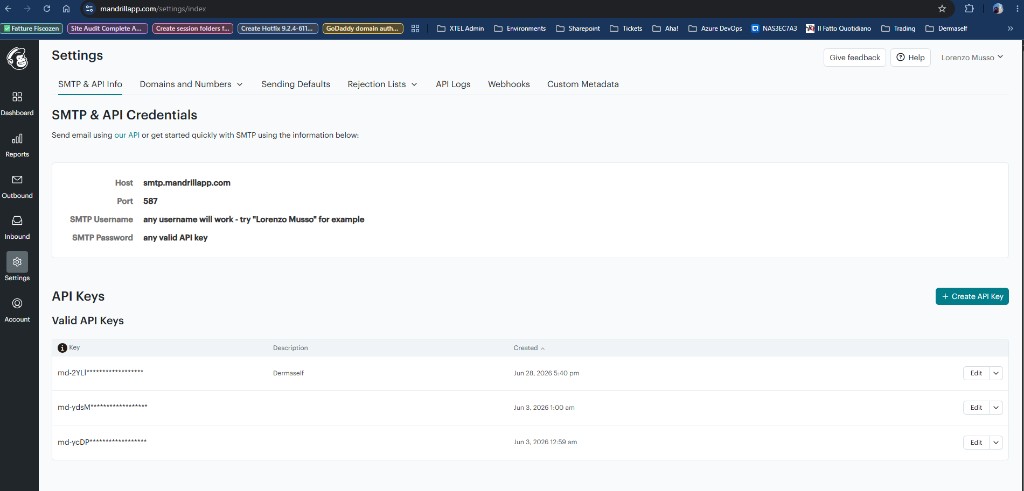
- Transactional API key — Mandrill → Settings → SMTP & API Info.
- Sender email, sender name, sending domain.
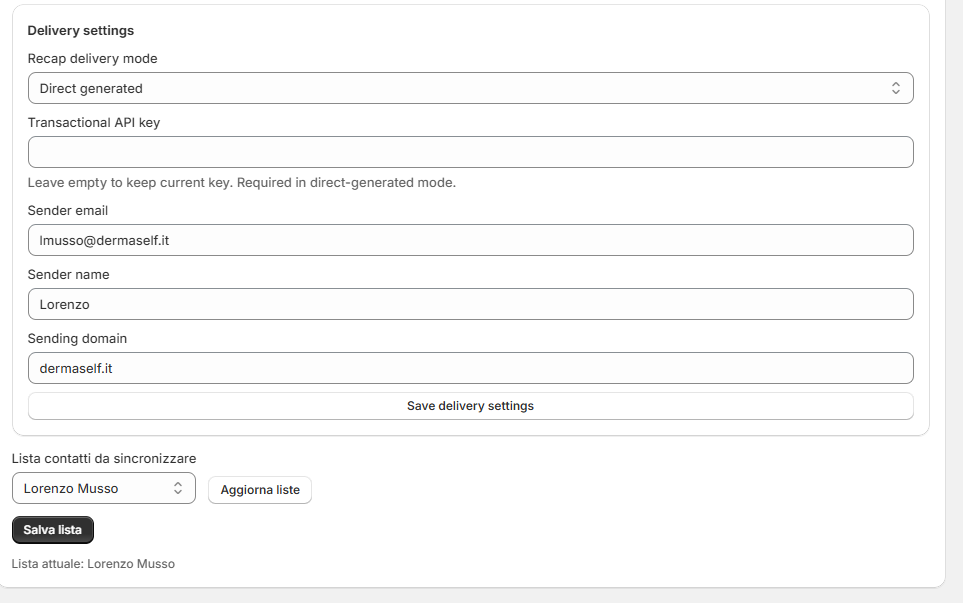
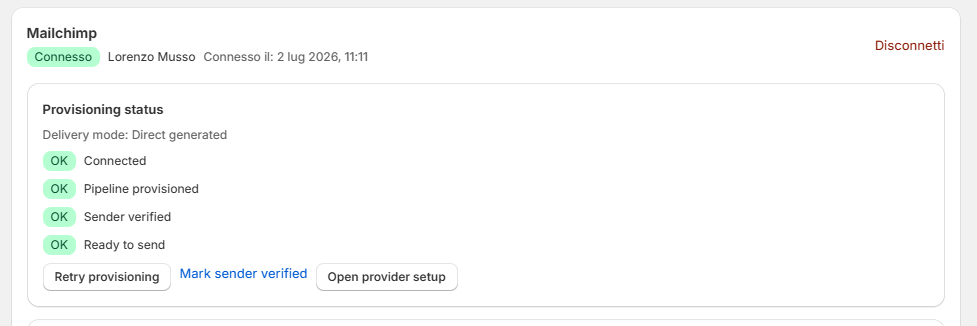
- Save delivery settings. After DNS is valid, Mark sender verified (a manual click).
4. Ready to send
When all four indicators are green (Connected, Pipeline provisioned, Sender verified, Ready to send), run a test Skin Test.
Without a Mandrill API key the contact is saved but the email does not send. Mailchimp caps audiences at 30 merge fields; Dermaself uses a lean set.